You can edit the macro and delete all the /targetenemy lines, then you will have to target manually.
1 Like
If this is in any block
/targetenemy [noharm][dead]
Remove it
1 Like
how do u find the blocks ?
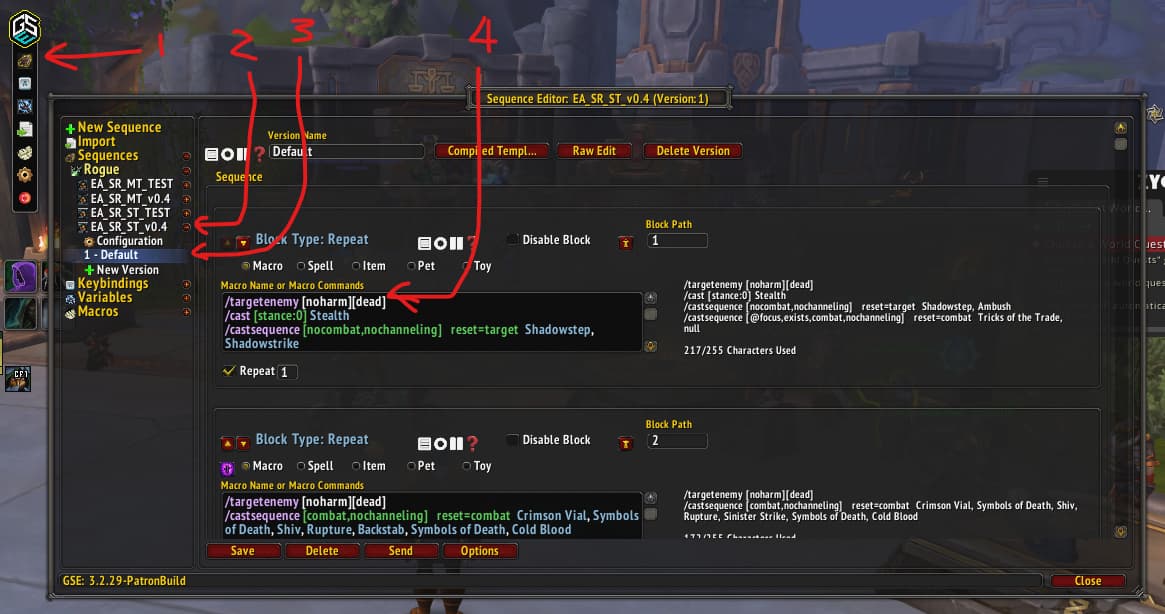
Open the sequence in GSE
@Grandmother hopefully, this image will help you out a little:
2 Likes
TY TY TY !! HUGS !! ty SO MUCH
2 Likes
Thank you. I figured it out. But I have a issue. I added “/use [@player,nochanneling,combat] [Blood Fury]” at the end of the last block under the use 13 and 14 commands. None of them are being used.
Try adding /cast [nochanneling] Blood Fury underneath the lines for the trinkets
The /use is for items. /cast is for skills.
1 Like
Its amazing… Look my parses on Warcraft Logs…
Good Job bro!
2 Likes
First of all: amazing job 
Now I have THE question: is it possible to bind the GSE binded sequence key to a WOW action bar slot and then activate it by mouse click?
I’ve tried to do so using the WOW keybinding interface but when I try I get the “that key is not binded anymore” from GSE and when I click on action bar slot nothing happens.
I’d like to do it for I prefer to have left hand free to hit movement keys and use mouse only to activate skills/spells
Thank you for your answer
This video will give you a few ways to do it:

1 Like
Just awesome: thanks a lot
UPDATE.
It doesn’t seem to work with me: I’ve managed to bind both ST and MT sequences to two different keys in action bar but when I click on icons nothing but changing skills images happens… 
What am I doing wrong?
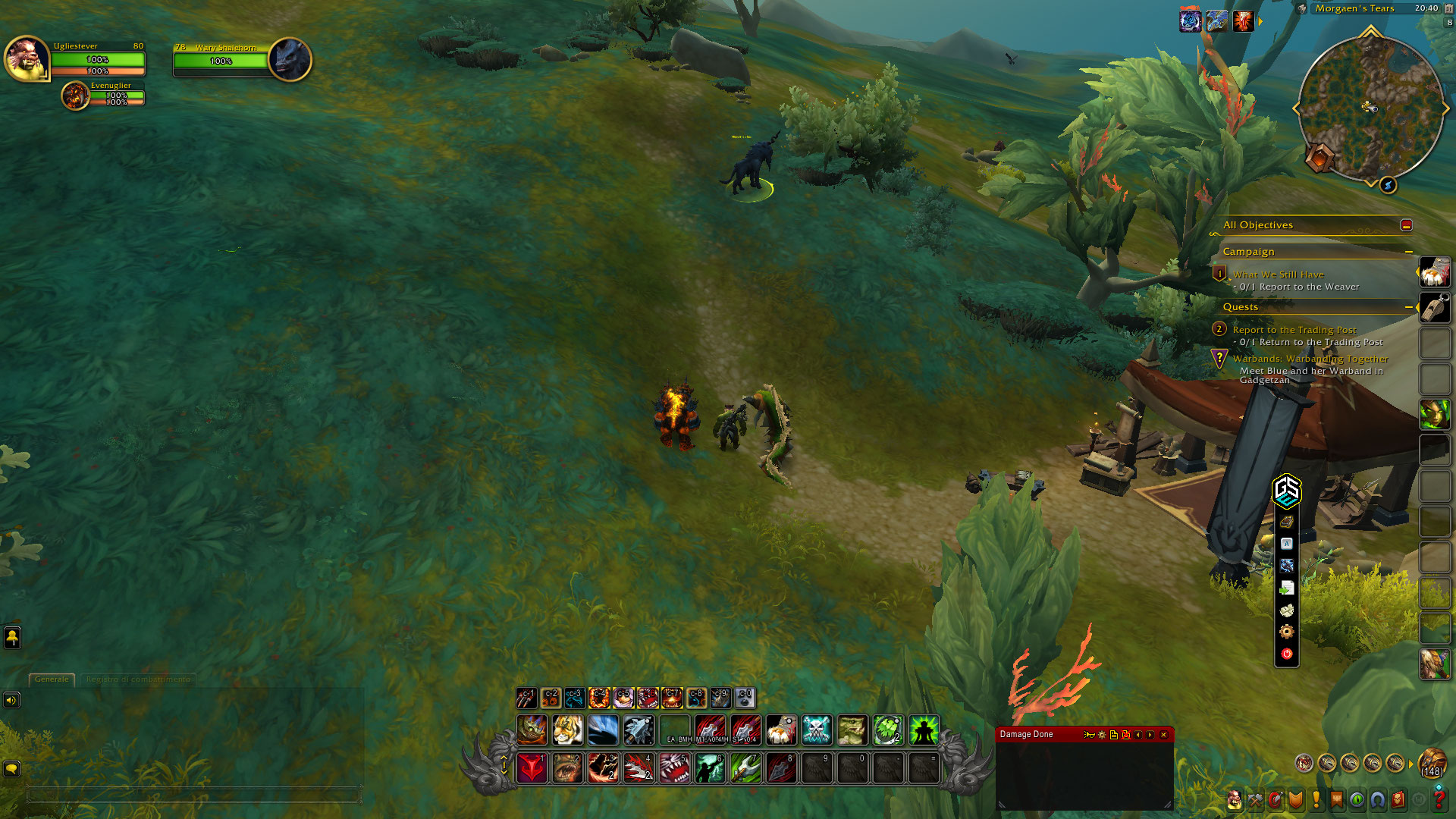
Talents need to be updated please
2 Likes
I am making a list, Thank you for letting me know! I will fix as soon as I get a few moments. Cheers!
5 Likes
Can’t wait for the update  Thank you elfyau for all that you do!!
1 Like
New wowhead BM hunter build does not use CoTW anymore, it’s a very simple rotation now.
1 Like
Yo!!! cant w8 for new update, New Talents, New Macro!!! <3
i loved the Macro. pls update if possible <3 <3 <3
i have mine set to my mouse’s side button. it has to do with the mouse program and putting it on the key that you choose via your mouse. I have the GSE program attached to the 0 (zero) key and the mouse program set to go off on the 0 key so it fires … I had a friend do it as im not technical at all but I do only use it on my mouse
1 Like