I’m excited to finally share something that’s been a few years in the making - tools.wowlazymacros.com!
What is it?
A collection of tools to help you build, test, and optimize your WoW macros. Whether you’re crafting your first simple macro or fine-tuning a complex rotation, hopefully you’ll find something useful here - or maybe share it with a friend or family member who’s just getting into macros.
Perfect for those Tuesday maintenance windows - plan out your macros, tweak your sequences, and have everything ready to copy-paste when servers come back up!
Current Tools
Macro Builder - Visual macro builder with 255-character validation, spell verification, and class/spec templates, and Bring Your Own Macro to edit
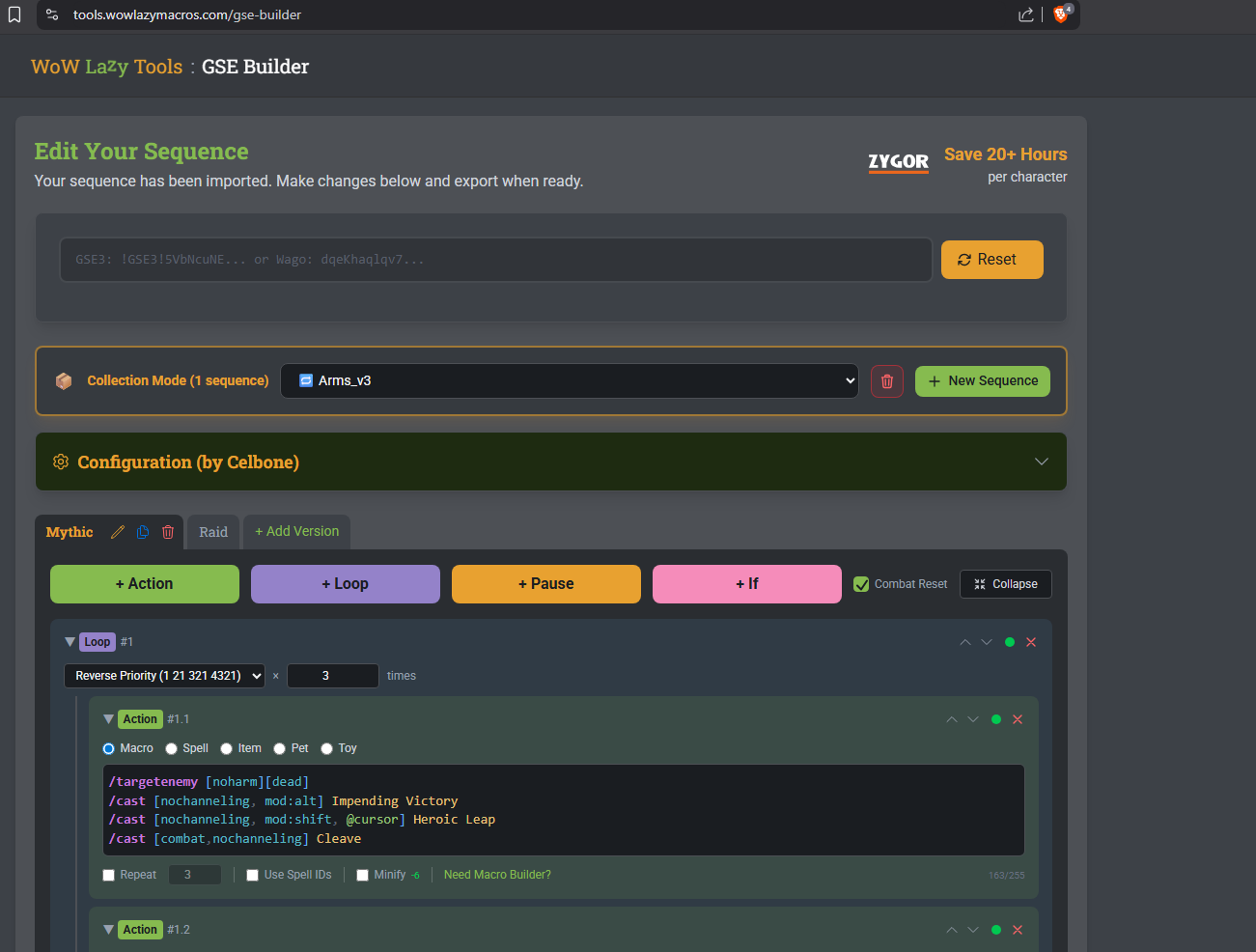
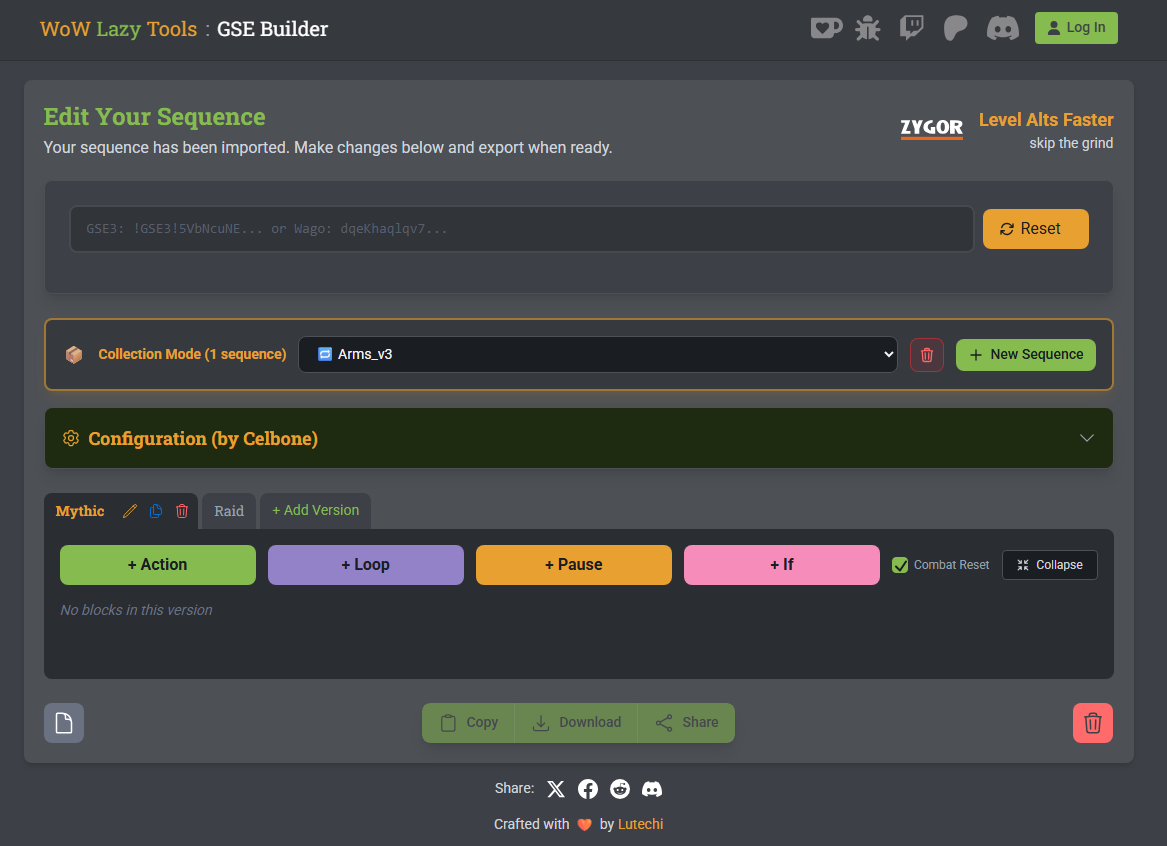
GSE Builder - Complete Gnome Sequencer Enhanced macro builder with step-by-step sequence creation, variable management, rotation preview, and one-click export
Key Tester - Test your keybinds and modifier keys
AHK Generator - Generate AutoHotkey scripts for your macros
Gear Check - Inspect any character’s gear for missing enchants, gems, and optimization issues. Shows talents, tier sets, embellishments, and links to Wowhead for easy fixes
Macro Quiz - Test your GSE knowledge with 1,500+ questions across 3 difficulty levels. Learn macro syntax, conditionals, and troubleshooting
World Events - Live countdown timers for WoW world events with calendar subscription
Found a Bug? Have a Suggestion?
If you run into any issues or have ideas for improvements, please create a new topic in the WoW Lazy Tools category. This helps me track and address each issue properly.
With spell databases covering every class and spec, there are bound to be some edge cases I haven’t caught yet. Your reports help make the tool better for everyone!
When reporting a bug, it helps to include:
What you were trying to do
What happened instead
Your browser (Chrome, Firefox, etc.)
Any error messages you saw
What Should I Work On Next?
I’m already working on several new features, but I’d love your input on what to prioritize first! Vote for as many as you’d like:
Which features would you find most useful?
Spell Translations - Support for multiple languages (German, French, Spanish, etc.)
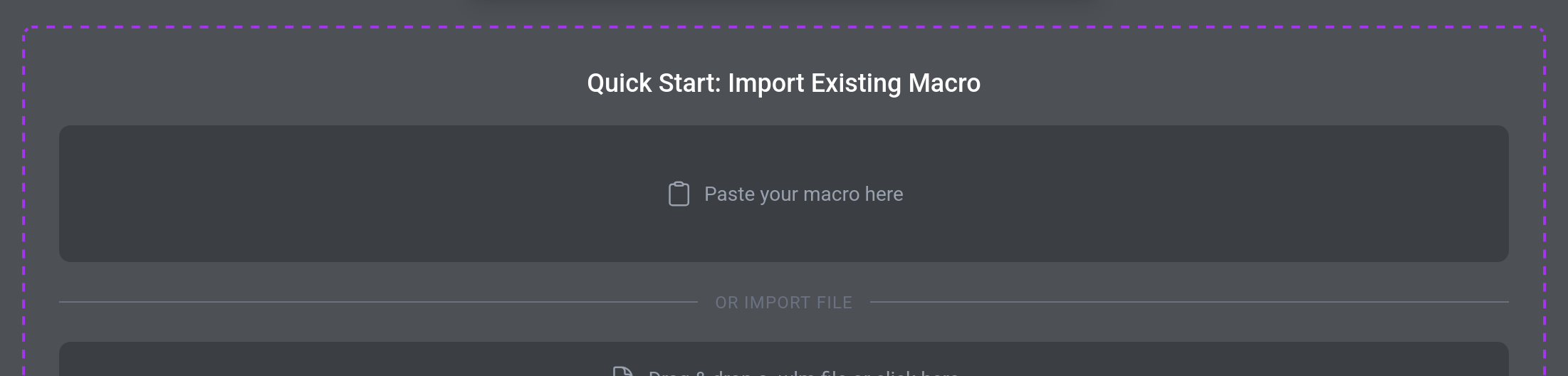
Import from Macro Code - Paste an existing macro and break it down into editable parts
Classic WoW Support - Spell databases for Classic Era, Cataclysm, Season of Discovery
Macro Sharing Library - Browse and share community macros
Class/Spec Quick Templates - Pre-built macro templates for common rotations
0voters
Have another idea not listed? Drop it in the comments below - your feedback helps me decide what to tackle first!
Thanks for being part of this community. Looking forward to hearing your feedback!
Congrats on this project @lutechi ! it is ludacris!
If I may ask for something, is the possibility to export the macro after editing it from a copy&paste; What I did:
1 - copy & paste the GSE sequence from post (my own)
2 - start editing the imported macro sequence
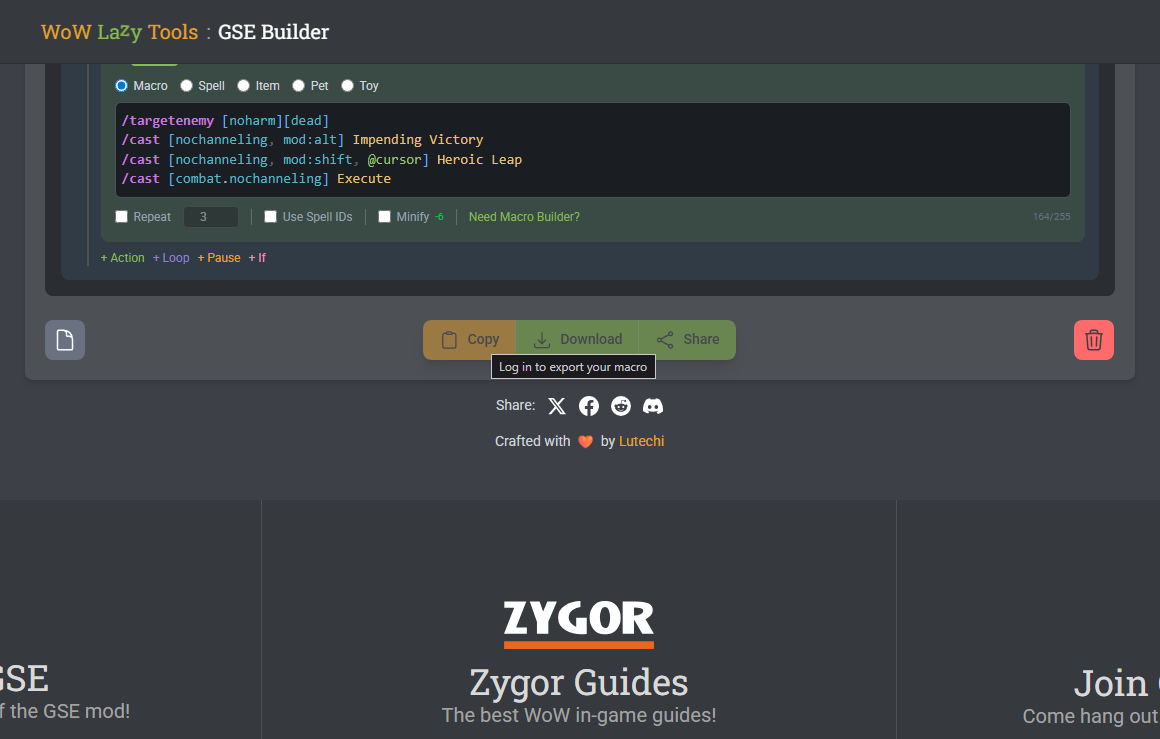
3 - tried to export, but the buttons at the botton of the page are disabled, asking for a user login, which is nowhere.
For me, so far, about everything I was testing and clicking, the GSE Online Editing Tool is freaking awesome.
There might be a bug in there - you should see a navigation with login in the top right corner. Try a force refresh (Ctrl+Shift+R or Cmd+Shift+R) and see if it shows up.
If it’s still missing, let me know what browser you’re using and I’ll dig into it.
Sorry about that, one of those things that slips through when you’re staring at the same screen for too long. Appreciate you reporting it!
A have no words to explain how this project saved me a ton of non-productive time when editing the sequence, it is literally a life change, huge congratulations to you and all the people involved with this project, it rocks!
Building with this is super handy, but I need your input on something: how efficient is it to use variables (for example, checking Retribution buffs for a Hammer of Light proc) instead of relying on “known”? I am looking for a more reliable way to handle priorities, rather than just mashing buttons and hoping to hit the right ones at the right time.
Hi I just went to the tool page itself and tried to login and it lets me log in with the same nuser name as here but within seconds it kicks me right back to the first page with the lock on it so with that being said I would love to know whyt or whats going on with it Thank in advaince
Fixed a few bugs here and there (hopefully addresses the browser issue also)
Looking for Testers!
Would love some feedback on the rotation preview feature. If you’ve got a rotation you’d like to test, give it a shot and let me know how it works for your setup or maybe something I missed: GSE Builder Tool
If you don’t see it right away, try a hard refresh (Ctrl+Shift+R / Cmd+Shift+R).
the tool is getting even better, congrats to the team.
Question 1, and probably is already on your agenda, is it possible to add the simm to run the cast view simultaneously with modifiers and priority?
Question 2, In some scenarios, I don’t think the trinkets % proc (default ones) are there. Are they taked in considerations when the simm is running?
Question 3, during the testing for PRIORITY and MODIFIERS, the timeline added the respective actions for each “block” of demand, allthough I’m not really sure of it, but it looks the tool is just running the things without checking CDs and all that jazz, are they ?
I have enjoyed using the LazyMacros tools for my game play, however, with the changes Bliz has started to implement that block the use of any combat related addons, I’ve had to migrate to their default one button function.
While this one button function in the Wow UI setup is actually performing really well, the one thing I miss are the odd things that include cool downs. Unfortunately, the native cool down manager in Wow’s UI is not great, I am hoping it is improved over time, but its still more of a manual set up like I used to have to do with the Wow macro creation box itself. Not great for someone like me who does not understand how some of these should be used without a little help.
It certainly would be nice if Bliz did not block ALL combat related addons, which includes raid mods, etc., but it remains to be seen how they plan to implement the replacements they are talking about.
Not sure how your tools will evolve to work with the new architecture of Bliz’s reworked UI and options. Only time will tell.

 - plan out your macros, tweak your sequences, and have everything ready to copy-paste when servers come back up!